第59章:プロジェクト構成のベストプラクティス 🧱✨
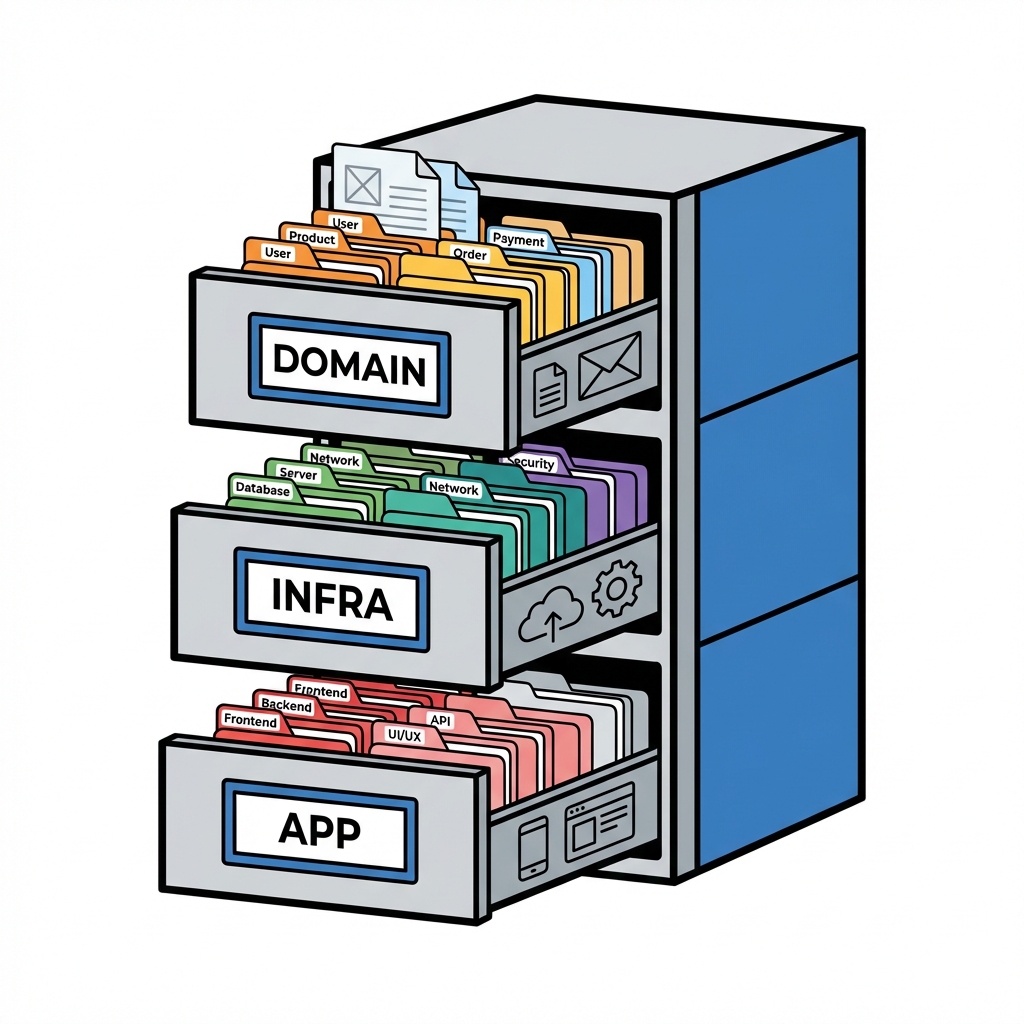
Domain, Application, Infrastructure, Web に分けて「迷子にならない」土台を作ろう😊
まず結論:この4つに分けると、1人開発でも迷いが激減します💡
- Domain:ビジネスのルールそのもの(世界観の中心)👑
- Application:ユーザーがやりたいこと(ユースケース)🎮
- Infrastructure:DBや外部APIなど「外の世界」との接続🔌
- Web:画面/API(HTTP)で受けて返す入口🚪
この分け方だと「どこに何を書く?」で止まりにくいです。しかも、UIやDBが変わっても中心が揺れにくい✨ (Microsoft Learn)
依存関係ルール(超だいじ)🧭
イメージは「中心ほど純粋」🥰
- Domain は誰にも依存しない(いちばん偉い)👑
- Application → Domain に依存(ルールを使ってユースケース実行)
- Infrastructure → Application/Domain に依存(“実装”担当)
- Web → Application と Infrastructure に依存(起動とDI設定の都合でOK)
Domain  ←  Application  ←  Web
  ↑            ↑
  └──── Infrastructure ┘
ポイント:DB事情をDomainに持ち込まない(Repositoryの“インターフェース”はDomain側、実装はInfrastructure側)🧠✨ (Microsoft Learn)
Solutionのおすすめ構造 📁✨
最初からこれにしちゃうのが楽です😊
MyApp.sln
└─ src
   ├─ MyApp.Domain
   ├─ MyApp.Application
   ├─ MyApp.Infrastructure
   └─ MyApp.Web
└─ tests
   ├─ MyApp.Domain.Tests
   └─ MyApp.Application.Tests
各プロジェクトの「置き場」早見表 🗂️🌸
| 置くもの | どこ? | ひとこと |
|---|---|---|
| Entity / ValueObject / Domain Service | Domain | ルールの本体👑 |
| Repository interface | Domain | 「こうやって保存できるはず」まで |
| UseCase / Application Service | Application | 画面/操作の目的を実現🎯 |
| DTO(受け渡し用の形) | Application | ドメイン直出しを避ける🧺 |
EF Core DbContext / マイグレーション | Infrastructure | DBは外の世界🔌 |
| Repository implementation | Infrastructure | interfaceの実装担当🛠️ |
| 外部APIクライアント(実装) | Infrastructure | 通信も外の世界📡 |
| Controller / Minimal API | Web | HTTPの入口🚪 |
| DI登録(Composition Root) | Web | 起動時に配線する🧵 |
作り方(手順)🛠️✨
1) プロジェクトを作る(Visual Studioの流れ)😊
-
空のソリューション作成 → ソリューションフォルダ
src,tests作成 -
srcに4プロジェクト追加- Domain:クラスライブラリ
- Application:クラスライブラリ
- Infrastructure:クラスライブラリ
- Web:ASP.NET Core Web API
-
参照設定:
- Application → Domain
- Infrastructure → Application + Domain
- Web → Application + Infrastructure
※ この構成は、最新の .NET(2025のLTSとして .NET 10 など)でもそのまま使えます👍 (Microsoft)
2) VS Code派向け:CLIでも同じ(コピペOK)💻
mkdir MyApp
cd MyApp
dotnet new sln -n MyApp

mkdir src tests

dotnet new classlib -n MyApp.Domain -o src/MyApp.Domain
dotnet new classlib -n MyApp.Application -o src/MyApp.Application
dotnet new classlib -n MyApp.Infrastructure -o src/MyApp.Infrastructure
dotnet new webapi   -n MyApp.Web -o src/MyApp.Web

dotnet sln add src/MyApp.Domain
dotnet sln add src/MyApp.Application
dotnet sln add src/MyApp.Infrastructure
dotnet sln add src/MyApp.Web

dotnet add src/MyApp.Application reference src/MyApp.Domain
dotnet add src/MyApp.Infrastructure reference src/MyApp.Domain
dotnet add src/MyApp.Infrastructure reference src/MyApp.Application
dotnet add src/MyApp.Web reference src/MyApp.Application
dotnet add src/MyApp.Web reference src/MyApp.Infrastructure
最小サンプルで理解しよう(ユーザー登録)👤✨
Domain(ルールの核)👑
Emailはただのstringじゃなくて「Email型」にする💌Userは「同一性」を持つ(UserId)🪪
// src/MyApp.Domain/Users/Email.cs
namespace MyApp.Domain.Users;

public sealed record Email
{
    public string Value { get; }

    public Email(string value)
    {
        if (string.IsNullOrWhiteSpace(value)) throw new ArgumentException("Email is required.");
        if (!value.Contains("@")) throw new ArgumentException("Email is invalid.");
        Value = value;
    }

    public override string ToString() => Value;
}

// src/MyApp.Domain/Users/User.cs
namespace MyApp.Domain.Users;

public sealed class User
{
    public Guid Id { get; }
    public Email Email { get; }

    public User(Guid id, Email email)
    {
        Id = id;
        Email = email;
    }
}
Repositoryの“約束”はDomainに置く(実装は置かない)📦
// src/MyApp.Domain/Users/IUserRepository.cs
namespace MyApp.Domain.Users;

public interface IUserRepository
{
    Task AddAsync(User user, CancellationToken ct);
    Task<bool> ExistsByEmailAsync(Email email, CancellationToken ct);
}
Application(ユースケース)🎯
「登録する」っていう手順をここに書く✨
// src/MyApp.Application/Users/RegisterUser.cs
using MyApp.Domain.Users;

namespace MyApp.Application.Users;

public sealed record RegisterUserCommand(string Email);

public sealed class RegisterUserService
{
    private readonly IUserRepository _repo;

    public RegisterUserService(IUserRepository repo) => _repo = repo;

    public async Task<Guid> HandleAsync(RegisterUserCommand cmd, CancellationToken ct)
    {
        var email = new Email(cmd.Email);

        if (await _repo.ExistsByEmailAsync(email, ct))
            throw new InvalidOperationException("Email already exists.");

        var user = new User(Guid.NewGuid(), email);
        await _repo.AddAsync(user, ct);
        return user.Id;
    }
}
Infrastructure(実装:とりあえずインメモリ版)🔌
最初はDBなしでもOK。後でEF Coreに差し替えやすいのが勝ち🏆
// src/MyApp.Infrastructure/Users/InMemoryUserRepository.cs
using MyApp.Domain.Users;

namespace MyApp.Infrastructure.Users;

public sealed class InMemoryUserRepository : IUserRepository
{
    private readonly List<User> _users = new();

    public Task AddAsync(User user, CancellationToken ct)
    {
        _users.Add(user);
        return Task.CompletedTask;
    }

    public Task<bool> ExistsByEmailAsync(Email email, CancellationToken ct)
        => Task.FromResult(_users.Any(x => x.Email.Value == email.Value));
}
Web(HTTP入口 + DI配線)🚪🧵
// src/MyApp.Web/Program.cs
using MyApp.Application.Users;
using MyApp.Domain.Users;
using MyApp.Infrastructure.Users;

var builder = WebApplication.CreateBuilder(args);

// DI(配線)
builder.Services.AddScoped<RegisterUserService>();
builder.Services.AddSingleton<IUserRepository, InMemoryUserRepository>();

builder.Services.AddControllers();
var app = builder.Build();

app.MapControllers();
app.Run();
// src/MyApp.Web/Controllers/UsersController.cs
using Microsoft.AspNetCore.Mvc;
using MyApp.Application.Users;

namespace MyApp.Web.Controllers;

[ApiController]
[Route("api/users")]
public sealed class UsersController : ControllerBase
{
    private readonly RegisterUserService _service;
    public UsersController(RegisterUserService service) => _service = service;

    [HttpPost]
    public async Task<IActionResult> Register([FromBody] RegisterUserCommand cmd, CancellationToken ct)
    {
        var id = await _service.HandleAsync(cmd, ct);
        return Ok(new { id });
    }
}
AI(Copilot等)を使うコツ:ここは“指示の勝ち”🤖✨
プロジェクト構成は、AIが暴走しやすい場所でもあるので「境界線」を先に渡すのがコツ😊
使えるプロンプト例(そのまま貼ってOK)📋
- 「
Domain/Application/Infrastructure/Webの4プロジェクト構成。Domainは外部依存禁止。InfrastructureにEFやHTTPクライアント実装。Applicationにユースケース。WebにController。まず空のフォルダとサンプル1機能(ユーザー登録)を作って」 - 「Domainに永続化のコード(DbContext/EF属性/SQL)を入れないで。RepositoryはinterfaceだけDomain、実装はInfrastructureで」
Visual Studio側のCopilot統合も進んでます(統合体験の案内など)(Microsoft Learn)
よくある「迷子」ポイントと答え 🧠💦
- 「DTOどこ?」→ Application(WebのRequest/Responseとは分けてもOK)📦
- 「バリデーションどこ?」→ Domainの生成時に落とすが基本(存在させない)✅
- 「DIの登録どこ?」→ Webが基本(起動時の配線担当)🧵
- 「EF CoreのModel設定どこ?」→ Infrastructure(Domainを汚さない)🧼
【演習】今日のゴール🎒✨
-
この章の構造でソリューションを作る📁
-
「ユーザー登録API」を1本作る(上の最小サンプルでOK)🚀
-
次のルールを守れてるかチェック✅
- Domainに
Microsoft.EntityFrameworkCoreが入ってない - DomainにSQLっぽいものが1文字もない
- Webは “受けて渡して返す” だけ(ルールを書かない)
- Domainに
次の章(第60章)は、この構成をさらに強くする DIの本当の目的 に入っていくよ〜😊🧩